

Twelve thousand photos. Yours show up in seconds.
A selfie, your bib number or the time you went by. FotuNex searches every photo of the event and shows only yours.
Three ways to get to your photos
See also
Find your photos without scrolling through thousands of images
A road race with three thousand participants easily goes past ten thousand photos, taken by several photographers at different points along the course. Looking for your own photo in that volume, one by one, is why many people give up before buying. FotuNex was built to solve exactly that: you get to your photos in seconds, in three different ways.
The fastest is selfie search. You take a selfie on the spot, or upload a photo of your face, and the system compares it with the event photos. In a few seconds only the images you are in appear — from every photographer accredited at that event, not just one. The selfie is used only for that comparison and is deleted as soon as the search ends.
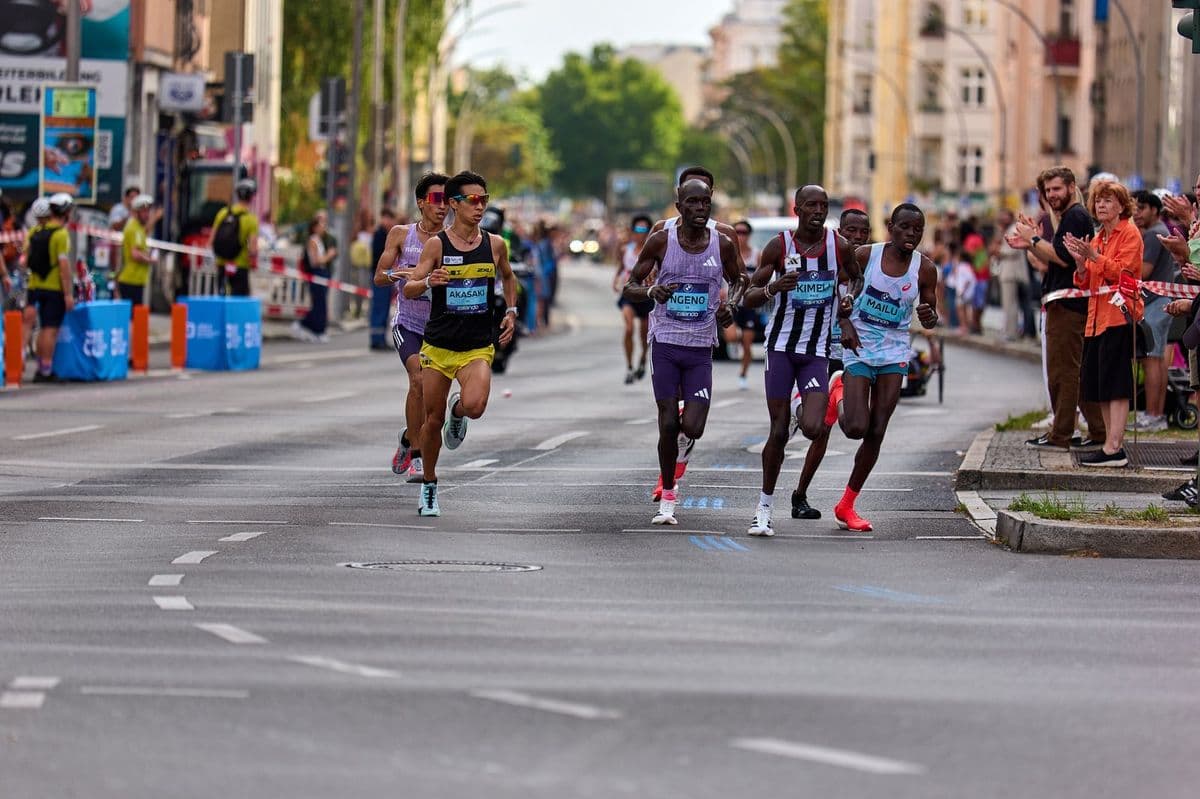
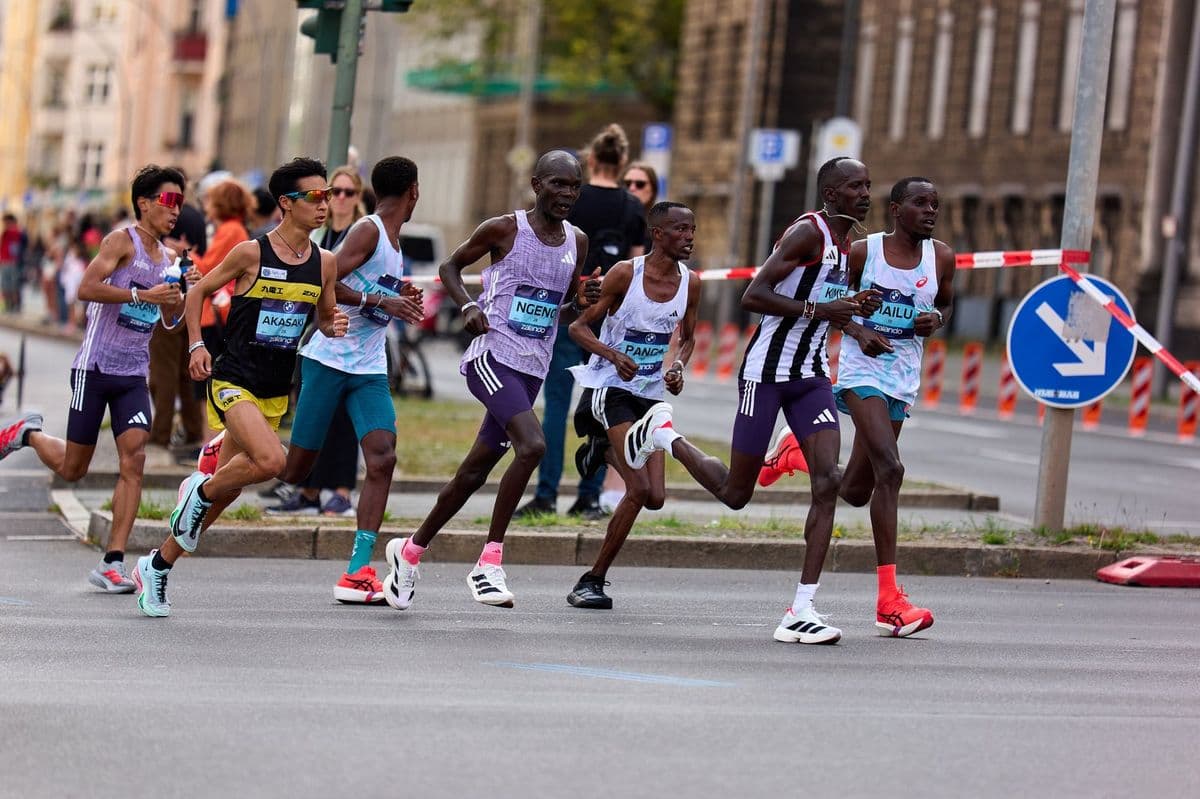
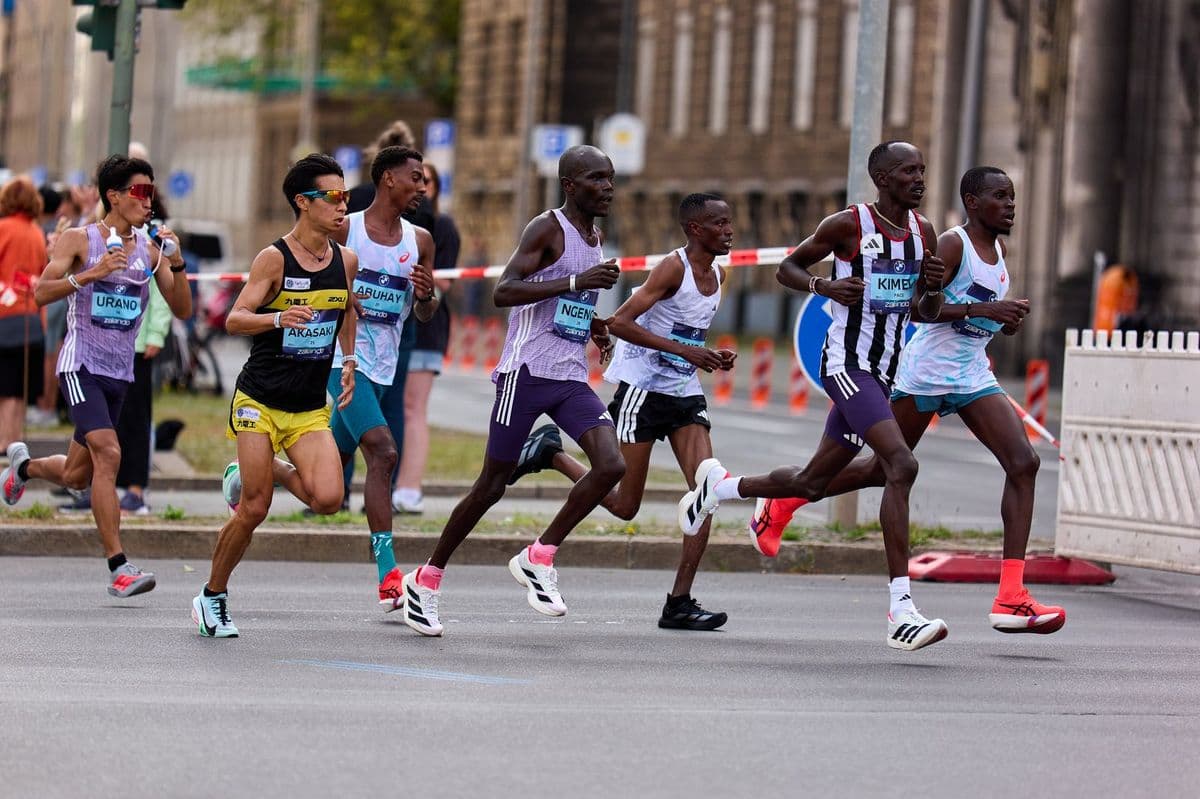
At sports events, the bib number also works as a search. When the photographer uploads the photos, the system reads the numbers visible in each image. Just type yours to see the photos it appears in. And for those who prefer to browse, the event has filters by time, by course point (start, intermediate kilometres, finish) and by photographer.
When the selfie doesn't find everything
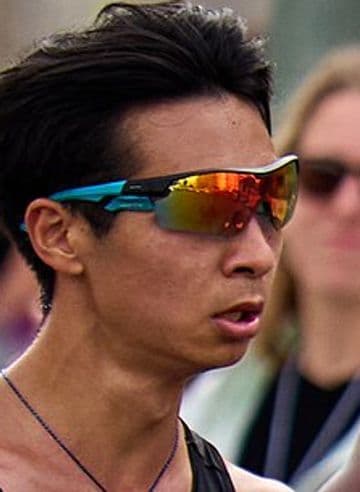
Sunglasses, a low cap, a helmet or backlight can hide part of your face. In those cases, combine the options: start with the selfie, then type your bib number and, finally, filter by the time you went past each point. A front-facing selfie, with your whole face visible and good light, gives the best results — and you can try again with another photo as many times as you like.
If someone else's photo shows up in your results, use “This isn't me” in the viewer: it leaves your list right away.
Search every event at once
On the home page, selfie search looks through the public events of recent months and shows how many photos of you each one has. It's handy if you ran several races this year or don't remember the exact name of the event.
If the photos aren't out yet, use the Notify me button on the event page: you get a notice as soon as the photographers publish. Account holders can also turn on photo alerts, which notify you whenever a new photo of you appears at any event.