

Your image, your rules.
You decide whether a photo of you stays on sale. And, if you like, you get notified whenever a new photo of you comes out.
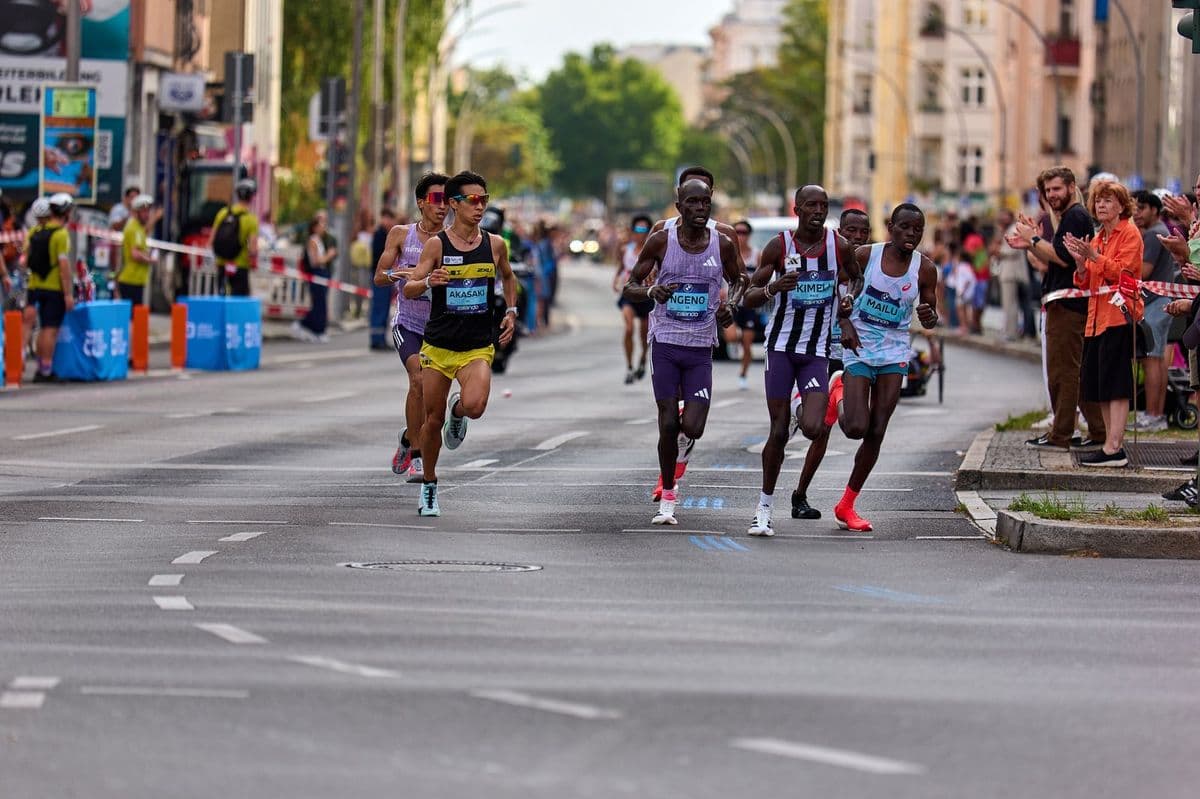
Take a photo off sale in three steps
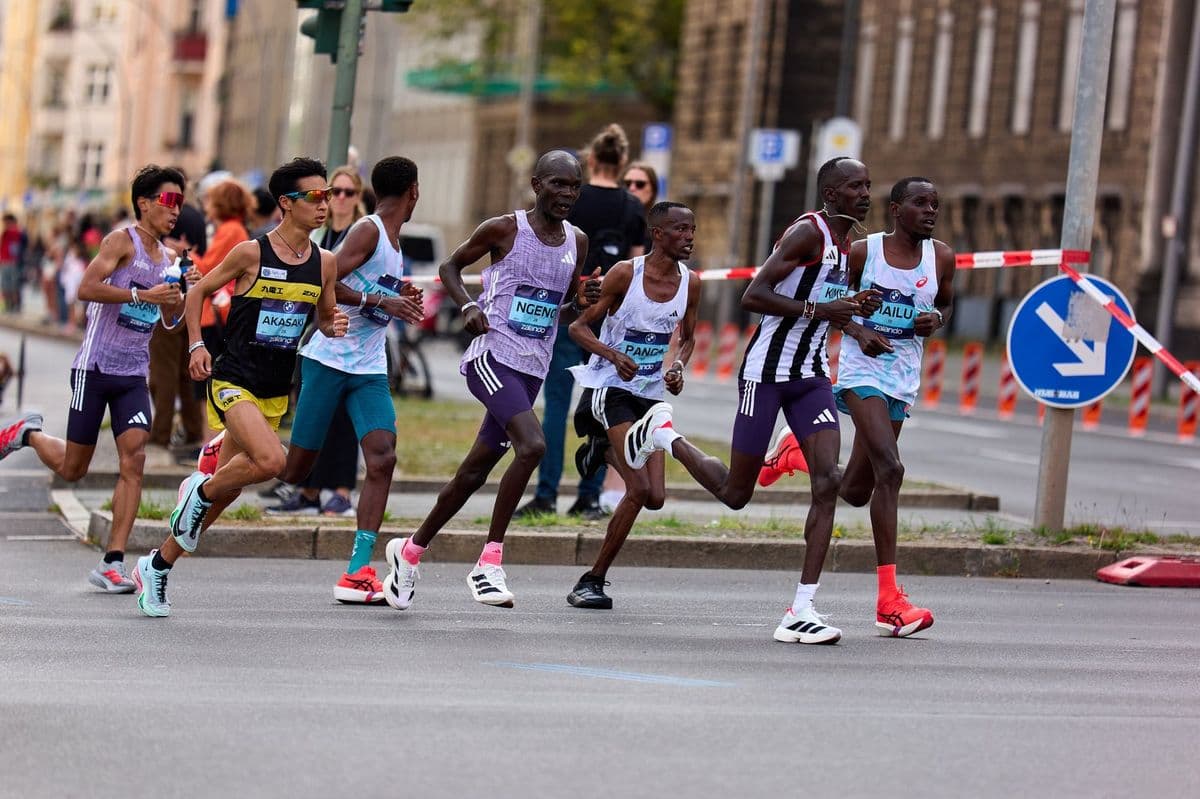
This isn't me
Someone else's photo showed up in your search? One tap and it leaves your results.Photo alerts
Turn it on once and get a notice when a photographer publishes a new photo of you, at any event.- Stores only your face vector, never the image
- Only with your consent, renewed every 12 months
- Turn it off whenever you want
See also

Your image, your rules
If you appear in a photo and don't want it for sale, use Remove my photo. Point out the photo by link or by selfie, tell us why and follow the request. Photos of minors are hidden right away, even before review.
You can also turn on photo alerts: when a photographer publishes a new photo of you at any event, you get a notice. This feature stores only your face vector (not the image), with your consent, renewed every 12 months, and can be turned off whenever you want.
How a removal request is reviewed
Every request gets a code, and you follow its progress on the request page and by email. Our team replies within 2 business days. When the request is upheld, the photo stops appearing at every FotuNex event, and the photographer is notified. Photos of minors are hidden immediately, before review, because protecting children and teenagers can't wait.
If you point out the photo with a selfie, it follows the same rule as search: it is used only to find the photos in the request and is deleted right after.
What FotuNex keeps — and what it doesn't
The search selfie is treated as biometric data: used only to compare against the event photos and deleted as soon as the search ends. Nobody but you sees the result of your search.
Photo alerts are the only feature that keeps anything from your face — and they keep only the numeric vector used for matching, not the image. They depend on your consent, asked again every 12 months, and can be turned off at any time in your account.
This isn't me
Sometimes selfie search brings up a photo of someone who looks like you. In the viewer, use “This isn't me”: the photo leaves your results right away, with no request and no waiting. If the problem isn't the search but the photo being on sale, the way to go is Remove my photo.