

How it works
1 · Find
Send a selfie, type your bib number or open the event and filter by time and course point.
2 · Preview
Large watermarked previews from every photographer at the event. Pick as many as you like.
3 · Download
Pay by card, Apple Pay or Google Pay. The original, without watermark, stays in My downloads.
Each step, up close
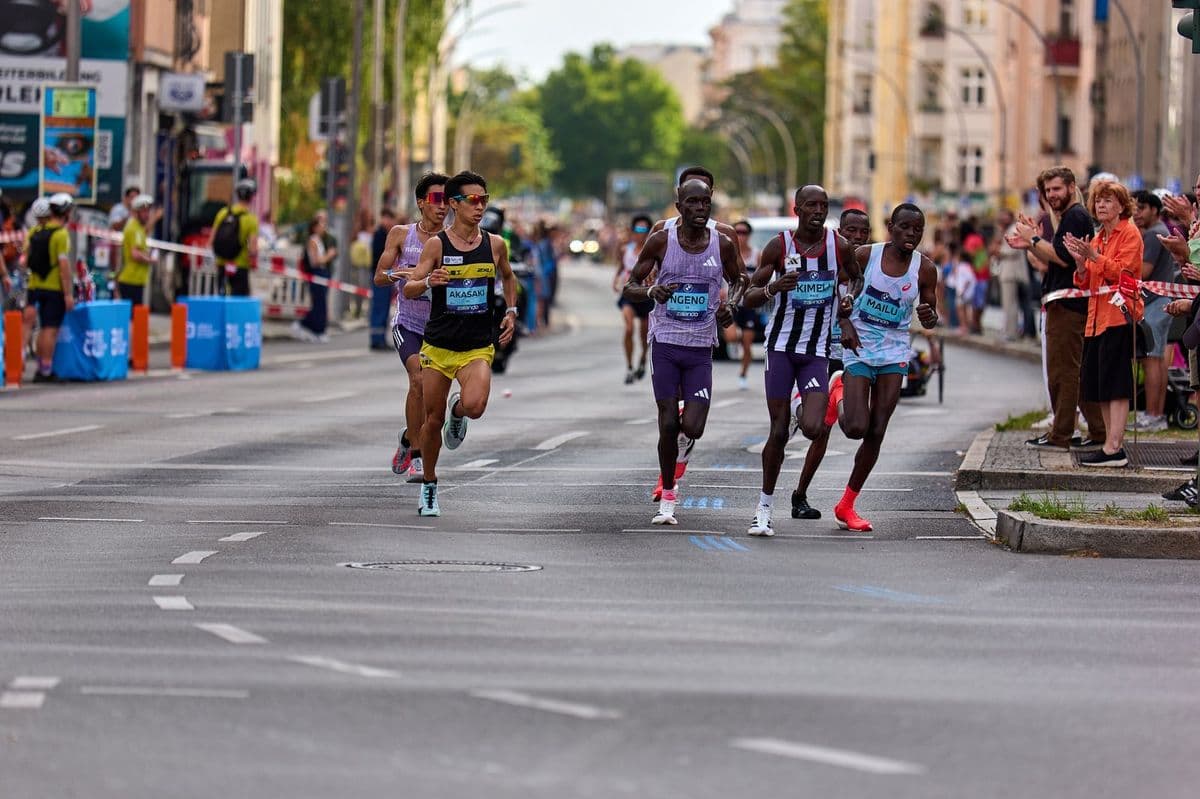
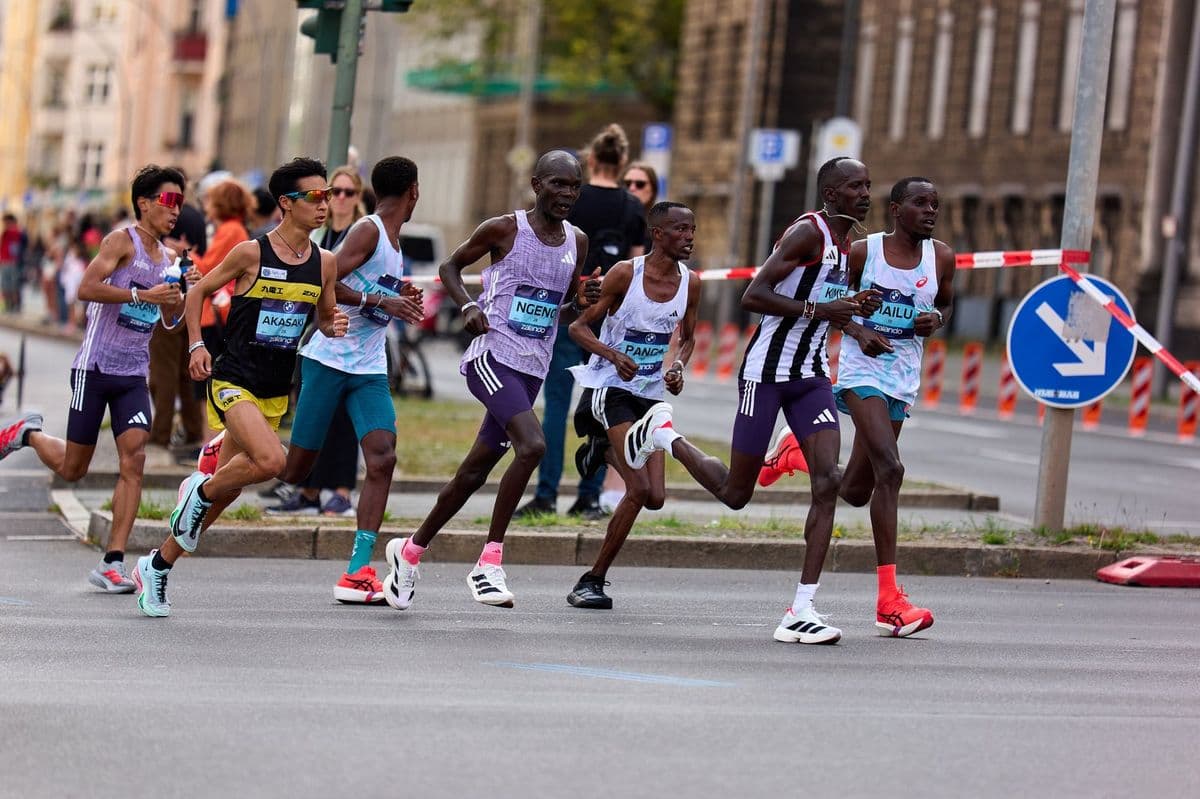
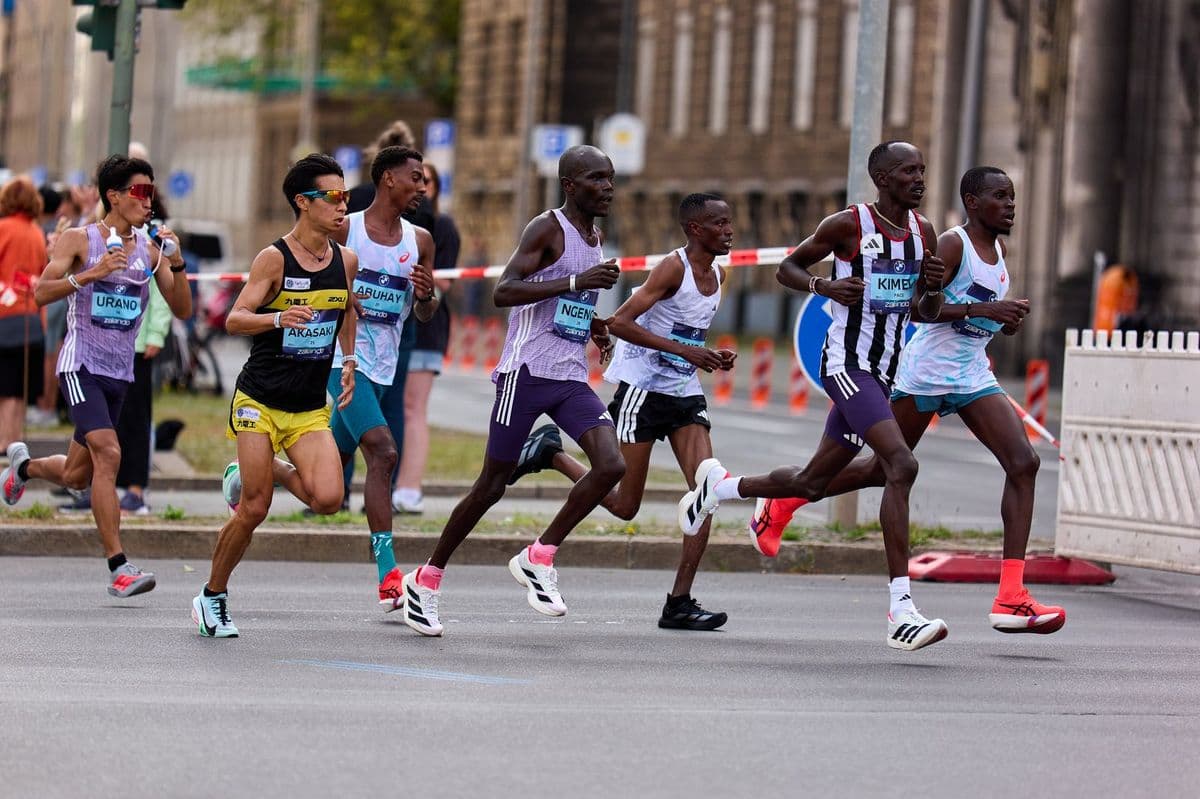
Four topics, each on its own page with real examples: how to find your photos, how to check them before buying, how to pay and download, and how to look after your image.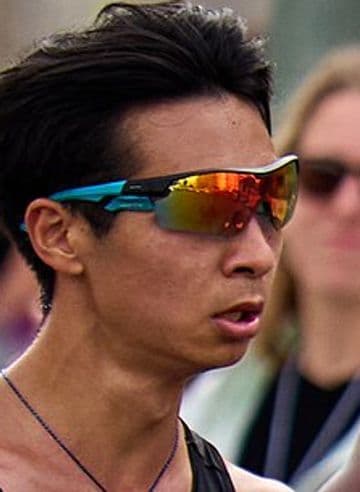
Common questions
With a selfie, your bib number, or by opening the event and filtering by time and course point.
It works best with your whole face showing, facing the camera, in good light. Sunglasses and very low caps can get in the way; if nothing shows up, try another selfie.
Photographers may still be uploading. Turn on the event alert (Notify me) or photo alerts to be told when a new photo of you appears.
Yes. On the home page, selfie search looks through the public events of recent months and shows how many photos of you each one has.
Pix and card in Brazil. Card, Apple Pay and Google Pay in other countries. Payment happens on the provider's secure page.
Right away. As soon as the payment is confirmed, the photos are in My downloads, without watermark.
Yes. You download the original file the photographer uploaded, uncompressed. Only previews carry a watermark and are reduced in size.
The download link stays valid for a long time after purchase. If it expires, generate a new one in My downloads.
When the photographer offers bundles (3 photos, 5 photos or all of yours), the cart applies the cheapest combination on its own.
Yes. Type the code in the cart's coupon field; it accepts both discount coupons and gift card codes.
No. It's used only to find your photos and is deleted as soon as the search ends.
Use Remove my photo. We hide the photo in every event and let you know.
In My account, under Account. You have 30 days to change your mind; after that, the account is permanently deleted.